Pandas 심화학습
Pandas 심화학습
- Pandas : 데이터 분석(읽기)과 조작(쓰기)을 하는데 특화되어 있다고 설명한다.
- Pandas는
DataFrame과Series를 다루는 것이 핵심이다.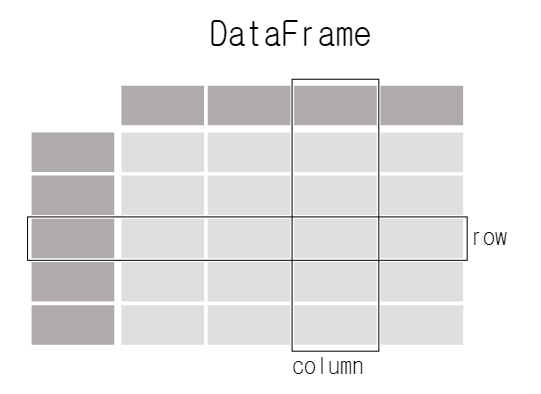 Each column in a
 DataFrameis aSeries
DataFrame: Matrix,Series: Column Vector
When selecting a single column of a pandasDataFrame, the result is a pandasSeries. To select the column, use the column label in between square brackets[].import pandas as pd df = pd.DataFrame( { "Name": [ "Braund, Mr. Owen Harris", "Allen, Mr. William Henry", "Bonnell, Miss. Elizabeth", ], "Age": [22, 35, 58], "Sex": ["male", "male", "female"], }) print(df['Age'])출력
Age 0 22 1 35 2 58 -
pandas는 다양한 포멧이나 다양한 데이터 소스를 읽고 쓸 수 있다.
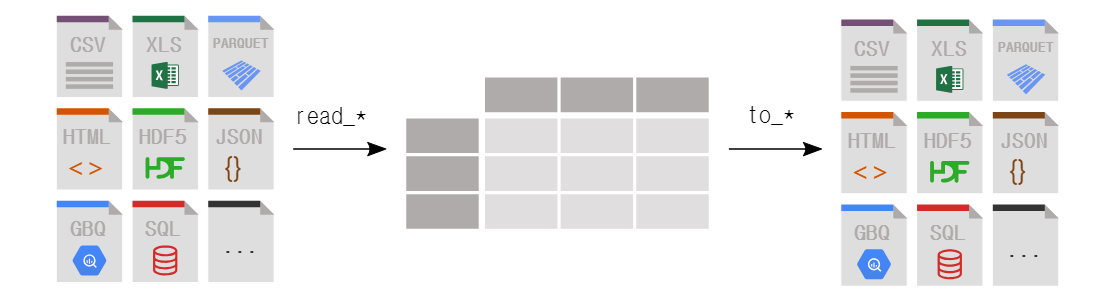
read_*fuctions을 이용해서 읽어오고to_*functions을 이용해 내보낼 수 있다. - pandas는 다양한 형태로
DataFrame을 추출할 수 있다.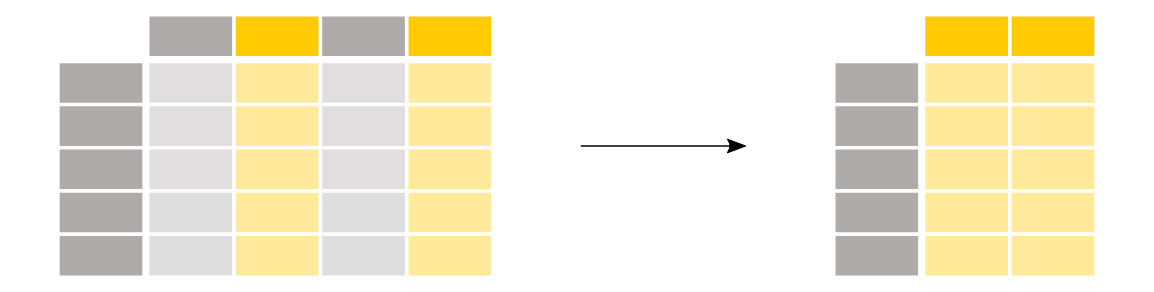 To select a single column, use square brackets
 []with the column name of the column of interest. To select multiple columns, use a list of column names within the selection brackets[].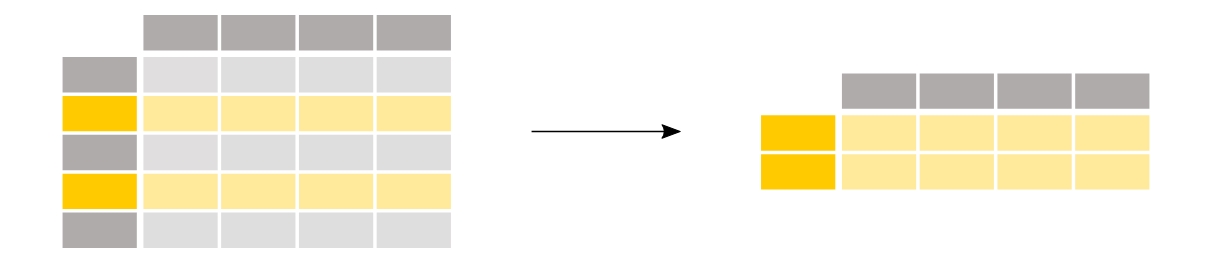 To select rows based on a conditional expression, use a condition inside the selection brackets
 []. e.g.titanic["Age"] > 35 When using
 loc/iloc, the part before the comma is the rows you want, and the part after the comma is the columns you want to select.
Select specific rows and/or columns usinglocwhen using the row and column names.
Select specific rows and/or columns usingilocwhen using the positions in the table. -
pandas는 여러 columns들을 계산하여 새로운 columns을 만들 수 있다.
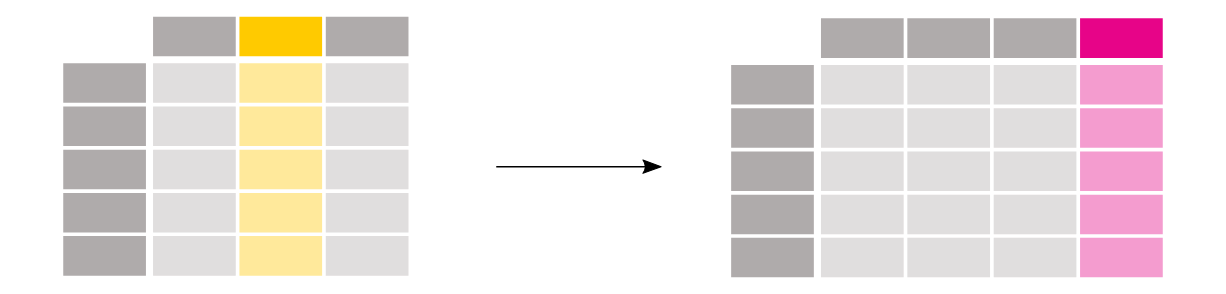
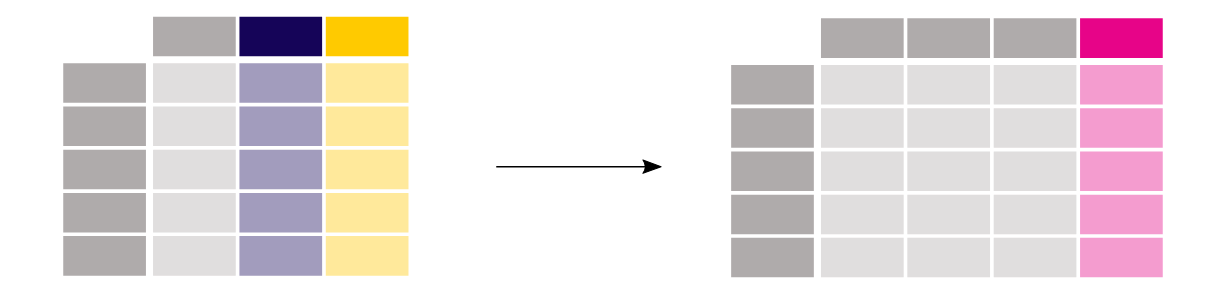 Create a new column by assigning the output to the DataFrame with a new column name in between the
 [].
Operations are element-wise, no need to loop over rows.
Userenamewith a dictionary or function to rename row labels or column names.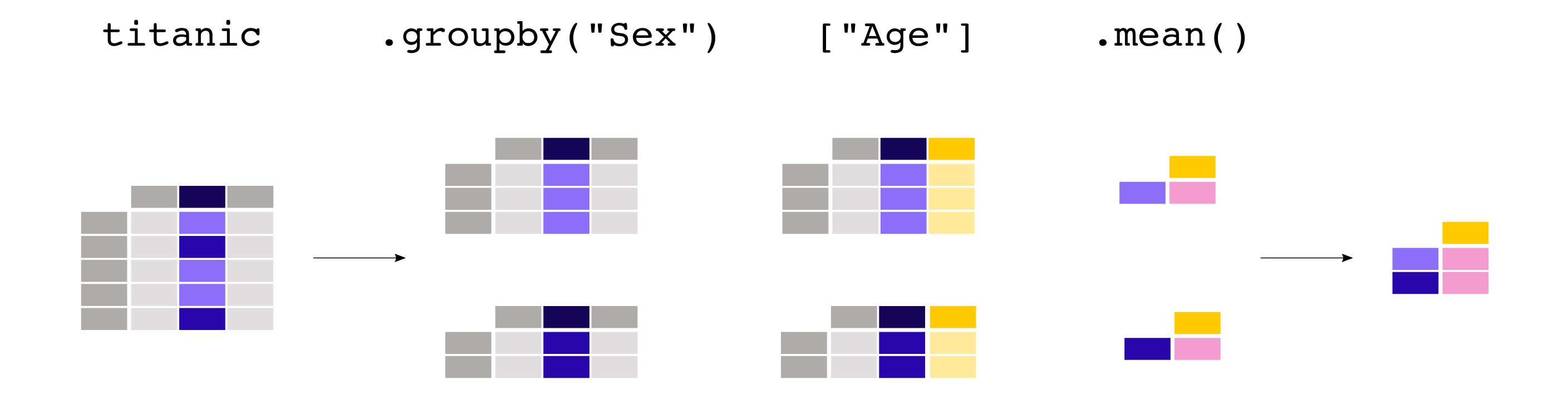
groupbyprovides the power of the split-apply-combine pattern. - Categorical Data
Categoricalsare a pandas data type corresponding to categorical variables in statistics. A categorical variable takes on a limited, and usually fixed, number of possible values (categories;levelsin R)
CategoricalSeriesor columns in aDataFramecan be created in several ways:
By specifyingdtype="category"when constructing aSeries:
import pandas as pd

s = pd.Series(["a", "b", "c", "a"], dtype="category")
print(s)
출력
0    a
1    b
2    c
3    a
dtype: category
Categories (3, object): ['a', 'b', 'c']
By using special functions, such as
cut(), which groups data into discrete bins. See the example on tiling in the docs.import pandas as pd import numpy as np df = pd.DataFrame({"value": np.random.randint(0, 100, 20)}) labels = ["{0} - {1}".format(i, i + 9) for i in range(0, 100, 10)] # list comprehension df["group"] = pd.cut(df.value, range(0, 105, 10), right=False, labels=labels) df.head(10)출력
value group 0 41 40 - 49 1 38 30 - 39 2 67 60 - 69 3 60 60 - 69 4 15 10 - 19 5 5 0 - 9 6 92 90 - 99 7 75 70 - 79 8 66 60 - 69 9 62 60 - 69 -
일반적인 라이브러리는 API를 통해 함수에 대한 설명 등이 포함되어 있다. API문서를 통해 코드까지 확인할 수 있다. 함수의 parameter를 설명하는 것은 Keyword Argument라고 하며 사용법은 링크에 자세히 설명되어 있다.
만약에 메서드를 사용하다가 문제가 생기거나 어떻게 동작하는지에 대해 궁금하면 해당 라이브러리의 API reference를 참고하는 것이 좋다.
OpenSource의 장점은 fork를 통해 코드를 직접 수정해보면서 자신만의 Version을 생성할 수 있다. 공부에 아주 도움된다.
오늘의 회고
-
Categorical Data에 대해 배웠는데, AI에서 가장 중요하다고 생각되는 부분 중 하나이다. Pandas에서 어떤 원리로 다루어지는지는 생각해보지 않고 그냥 사용했었는데, 오늘 그 원리를 배우며 앞으로 응용하여 사용해보도록 해야겠다.
-
1주차 과제에 비해 2주차 과제가 그렇게 어렵게 느껴지지 않았다. NumPy와 Pandas는 학교에서 많이 사용해 본 경험이 있고 심지어 과제에 나오는
DataFrame에 비해 광범위한 데이터를 많이 다루어 보았기 때문이다.